

Inoconn — Smart IT Solutions for Modern Business
Residential Services/Home IT Support

Home IT Support

One number to call when the household technology stops cooperating — across devices, users, and rooms.

For families in Las Vegas, Henderson, and Summerlin who have a printer that keeps going offline, a parent who can't sign in to email, a smart TV that lost its apps, and a laptop that's just gotten weird — all in the same week. Inoconn sorts through it, in person or remotely, and gets the household running as one system again.

Detailed Service Overview

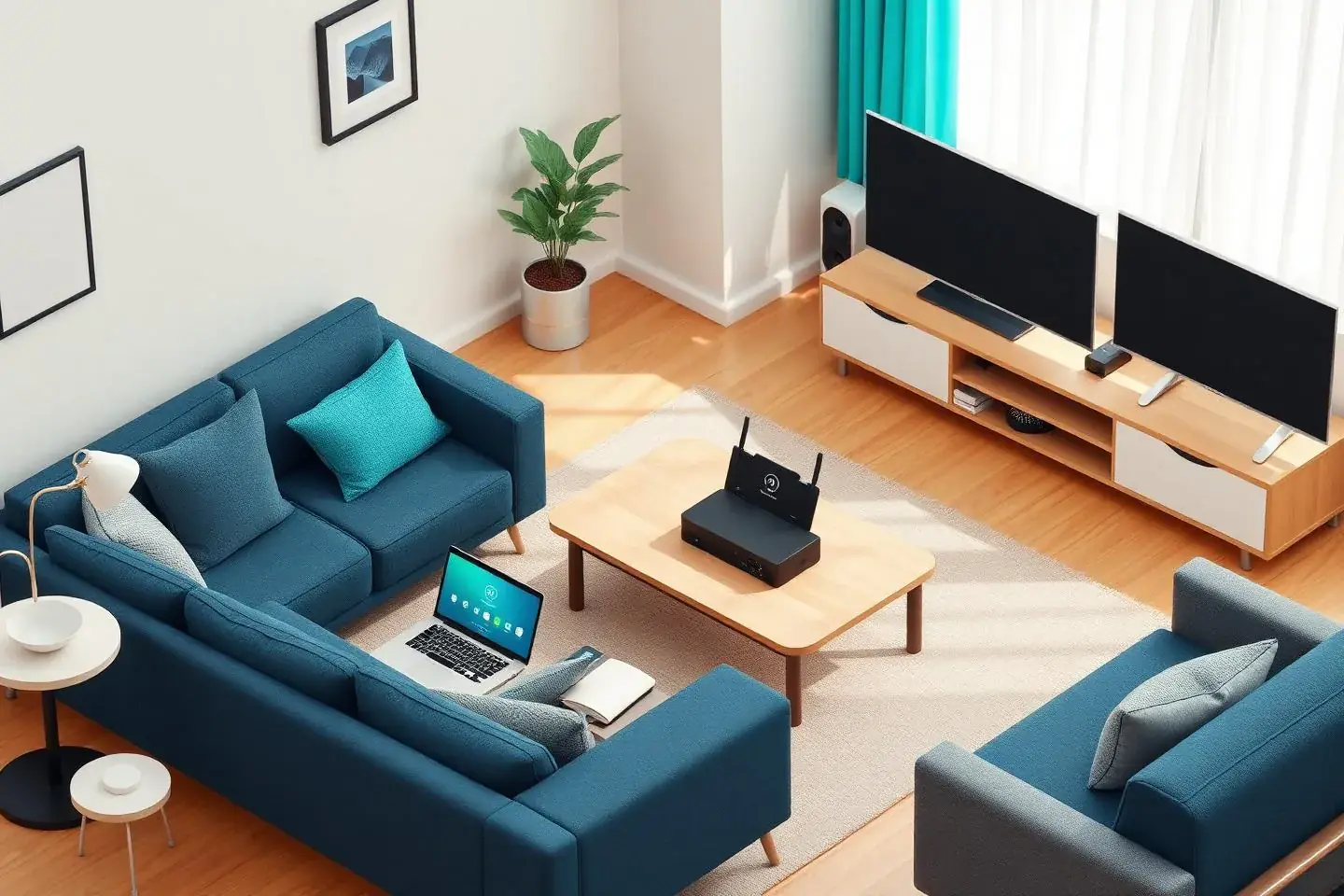
A modern home is not one computer with one user. It's a mix of laptops, tablets, phones, printers, streaming boxes, cameras, doorbells, thermostats, and speakers — shared across parents, kids, roommates, and visiting family. When any of those pieces get out of sync, the problem rarely fits neatly into a single category like 'computer repair' or 'network install'.

Home IT Support is Inoconn's general help service for households that don't know what to call the problem. You describe what's happening — the printer only works from one laptop, Grandma can't get into her Apple ID, the guest Wi-Fi disappeared, the new Roku won't finish setup — and we help figure out which pieces actually need attention and in what order.

This is deliberately broader than Remote Tech Support, which handles a single defined issue on a single device over a screen share. It's also broader than Computer Repair, which is focused on hardware and operating system failures on one machine. Home IT Support is where the entry point is 'a bunch of small things at once', or 'a family member who needs patient help with the technology they already own'.

Where a visit makes more sense than a screen share — a device that won't reach the internet, a printer sitting in a back room, a senior parent who prefers someone to sit next to them — we can come to the home. Where a quick remote session is enough, we do that instead. The goal is a household where the technology fades into the background again.

Inoconn Commitment

Every service we deliver is backed by our satisfaction guarantee and decades of combined IT expertise.

The setting

One point of contact for the whole household

Laptops, tablets, printers, and the network are supported together so nobody in the house has to explain the same problem twice.

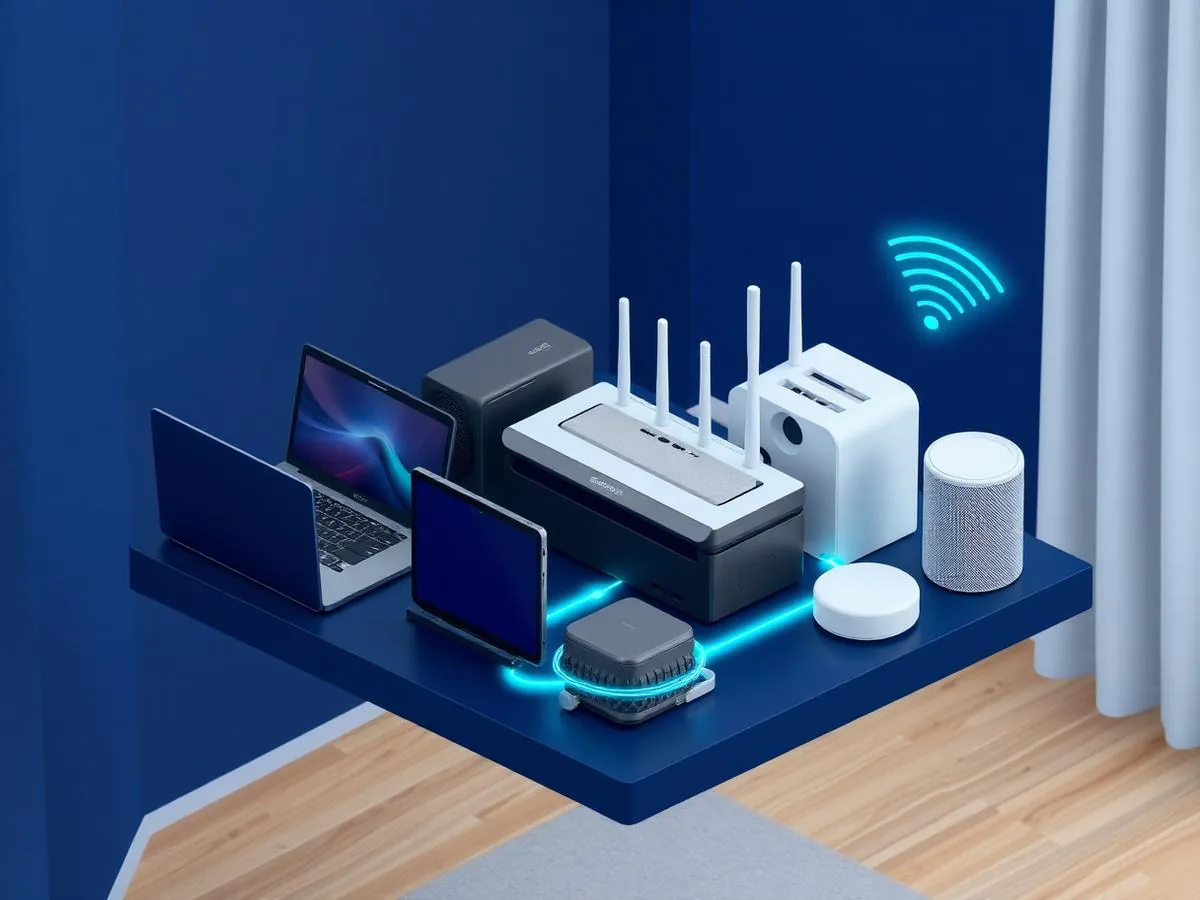
Multi-device household technology environment with laptops, tablet, printer and router

Critical Insight

Why household technology needs a general help option

Increased vulnerability
Higher costs over time
Reduced productivity

Why This Service Matters

Consumer technology is sold one device at a time. Nobody hands a family a plan for how a new phone, a shared printer, an Apple ID, a Google account, a Wi-Fi router, a streaming stick, and a smart doorbell are all supposed to fit together. When one small thing changes — a new phone, a router replacement, a password reset, a moved piece of furniture — several other things quietly stop working.

Households often end up with one 'unofficial IT person' — usually a spouse, an adult child, or a friend — who inherits every question. That works until the question is outside their comfort zone: an account recovery that needs identity verification, a printer that stopped speaking to the network, a Wi-Fi dead spot in a new room, a device a scam caller convinced someone to install software on.

Having a real Home IT Support option means those situations don't have to become emergencies. Small, unrelated issues get triaged together, the household gets a clearer picture of what it actually has, and technology stops being a source of daily friction for the people who use it most.

How it looks

Patience first, jargon last

We walk through what's happening in plain language, at your pace — and we leave things simpler than we found them.

Friendly home technician helping an older homeowner with their laptop and smartphone at a dining table

Problems → Solutions

Challenges We Eliminate

Several unrelated issues piling up at once

The printer went offline last week, the guest network vanished after a router restart, and now a family iPad won't update. Individually each is minor; together they take over a weekend and none of them get solved.

In-home triage across the whole household

We walk the home, look at the actual devices, see how they're placed, and talk with the people who use them. That context surfaces problems that never come up on a phone call — like the printer being on a guest network, or a shared account signed into an unused phone.

A family member who needs patient, in-person help

A parent, grandparent, or less-technical spouse doesn't want a rushed phone call. They want someone to sit next to them, walk through what's happening, and leave them able to do the task themselves next time.

A prioritized list, not a to-do dump

After the walk-through you get a short list of what to fix first, what can wait, and what belongs to another Inoconn service (network install, malware removal, computer repair). You decide what we tackle in the visit and what to schedule separately.

Devices from different brands that won't cooperate

A Windows laptop, an iPhone, an Android tablet, a Roku, an HP printer, and a smart thermostat all live in the same house but none of them were bought at the same time — and now a change on one is breaking another.

Patient, plain-language help for the person using the device

Where a household member wants to learn the task rather than just have it done, we take the time to show them, once at their pace, and leave them with a short written summary they can refer back to.

Account and password chaos

Nobody is sure which Apple ID or Google account owns what, recovery emails point to inboxes no one uses anymore, and multi-factor prompts land on a phone that was replaced last year. Every login turns into a project.

Account and device inventory reset

For households that have lost track, we help build a simple inventory of devices, which account owns what, where recovery lives, and which logins should be moved into a password manager — without changing anything without your approval.

Not knowing which service to book

The homeowner isn't sure whether the situation is really a computer repair, a network problem, a malware issue, or 'just Grandpa's iPad again'. They need someone to look at the whole picture and point to the right next step — including telling them when a specialist service is what's actually needed.

Clear handoff to the right service when appropriate

If what's really going on is a failing hard drive, an infected browser, a whole-home Wi-Fi redesign, or a new printer install, we say so and route the work to the right dedicated service instead of pretending a general visit will cover it.

Homeowner puzzled between a tablet and a smart TV during a common household device issue
The moment nobody in the house is sure whose device is at fault.

Step by Step

Our Process

1

Describe what's going on

You send us the list — even the messy version. 'Printer, iPad, Wi-Fi in the back bedroom, and Dad's email.' We use that to plan the visit or session and to bring the right tools.

2

Household walk-through

On arrival we look at the router and modem placement, the main computers, the shared printer, the streaming devices, and any smart-home hubs. We ask who uses what and which accounts are involved.

3

Triage and short plan

We agree on what to fix now, what to defer, and what belongs in a different service. Nothing invasive happens without your say-so.

4

Work through the list

We resolve what we can in the visit — configuration, updates, account cleanup, device-to-network fixes, printer reconnects, streaming re-setup, walkthroughs with the person who uses the device.

5

Leave-behind summary

You get a short written recap: what was changed, what accounts are involved, what to watch for, and any follow-up steps or specialist work we recommend booking separately.

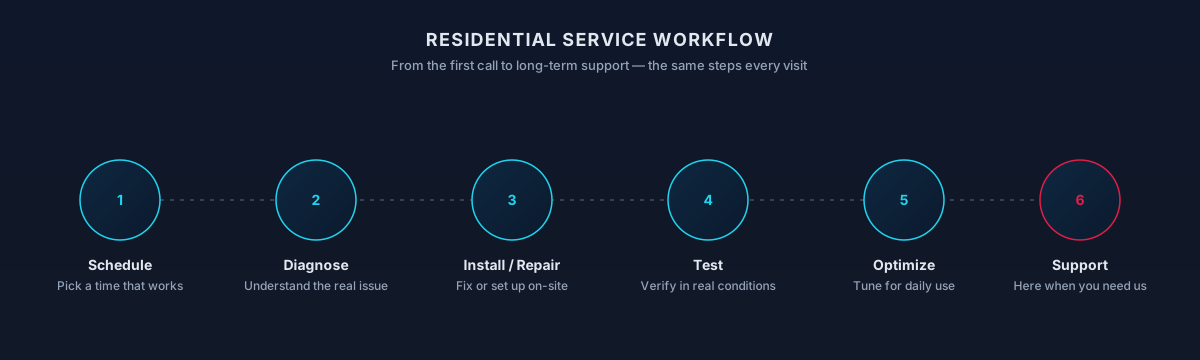
Residential service workflow — schedule, diagnose, install or repair, test, optimize, and support
The same six steps every visit — from the first call through the follow-up support.
What You Get

What's Included

01

In-home or remote, whichever fits the problem

Devices that need to be physically touched or placed — printers, routers, TVs, cameras, cabling — get an in-home visit. Software and account questions on a working, connected computer can be handled remotely if you prefer.

02

Whole-household perspective

We look at devices in the context of the people and accounts around them, not one at a time in isolation, which is how mismatches actually get caught.

03

Senior-friendly pacing

For older adults or family members who aren't comfortable with technology, we slow the visit down, avoid jargon, and focus on the two or three tasks they actually want to feel confident doing.

04

Post-move reconnection

For households that just moved into a Las Vegas or Henderson home, or snowbirds who just got back, we help bring devices back online in a sensible order — internet first, then computers and phones, then printers, then streaming and smart-home.

05

Honest scope

Where the right answer is a dedicated service — Computer Repair for a failing machine, Virus & Malware Removal for a confirmed infection, Home Network Setup for a coverage rebuild — we say so instead of stretching a general visit to cover it.

Process

How the visit typically goes

  1. List what's bugging you

    Nothing too small; ranking is part of the visit.

  2. Prioritize

    Fix what unblocks the household first.

  3. Work through it

    As many items as the visit allows.

  4. Plan the rest

    Clear next step for what didn't fit.

Timing varies by household — this is a typical shape, not a promise.

Scope

What a visit may include

Included

  • Household triage — One place to bring 'the Wi-Fi', 'the printer', 'the laptop'.
  • Account cleanup — Sensible logins the household can actually use.
  • Backup check-in — Confirms photos and documents are actually saved somewhere.
  • Family device help — Screen time, updates, and school-device basics.

Outcomes That Matter

Benefits & Results

One point of contact for the household

Instead of calling a different vendor for the printer, the ISP, the smart-home hub, and the laptop, there is one number for 'the household technology'.

Key Advantage

Fewer small problems left simmering

Little issues that would normally sit unfixed for months — a printer no one wants to touch, an account no one wants to reset — get cleared out together.

Family members who feel less stuck

The household member who was quietly avoiding a device because it was frustrating usually leaves the visit willing to use it again.

A clearer map of what you own

You come out of the visit with a rough inventory of devices, accounts, and where recovery lives — which makes every future call, whether ours or someone else's, dramatically shorter.

Expected outcomes

What homeowners usually notice

  • One number for tech

    Household doesn't have to figure out who to ask.

  • Less pile-up

    Small issues get handled before they compound.

  • More confidence using devices

    Even for the less-technical people at home.

The result

A household that stops fighting its own tech

One person to call when something isn't right — and a set of devices that work together instead of against each other.

Household devices being supported as one connected ecosystem in a residential setting
Who It's For

Who This Service Is For

Whether you're a homeowner, small business, or enterprise — we tailor our approach to your specific needs.

Multi-device, multi-user households

Families with a mix of laptops, tablets, phones, printers, TVs, and smart-home gear that were bought at different times and never really configured to work together.

Households helping older parents

Adult children coordinating technology for a parent or grandparent who needs patient, in-person guidance rather than a call center.

New-to-the-house homeowners

Families who just moved into a Las Vegas, Henderson, Summerlin, or Enterprise home and need help reconnecting devices in the right order.

Snowbirds and part-time residents

Homeowners returning to Las Vegas after months away who need devices, streaming apps, and network gear brought back online without turning it into a project.

Homeowners who don't know which service to book

People whose situation doesn't clearly match one specific service, and who want an honest assessment before spending on something more specialized.

Technology & Tools

We leverage industry-leading platforms and enterprise-grade equipment to deliver reliable, future-proof solutions.

Windows and macOS
iPhone, iPad, and Android
Microsoft, Apple, and Google accounts
Printers and scanners
Streaming devices and smart TVs
Household Wi-Fi
Password managers and multi-factor prompts
Local and cloud backup
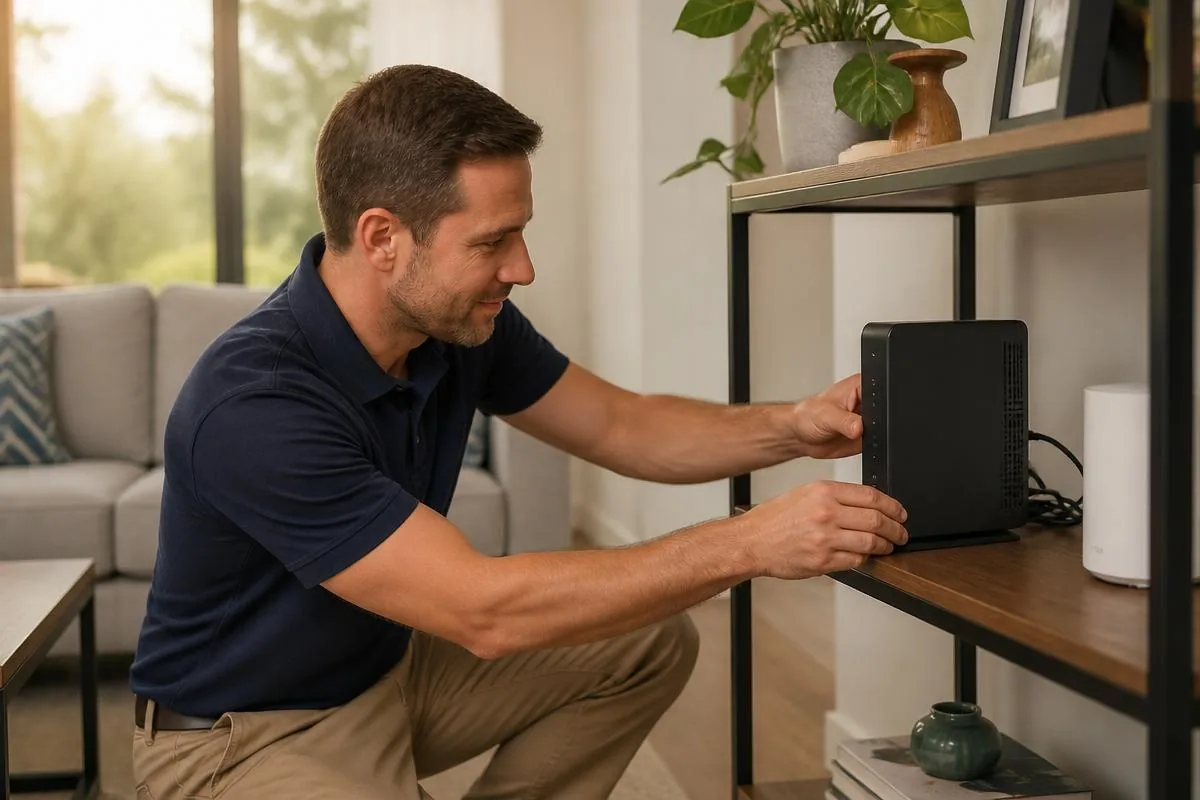
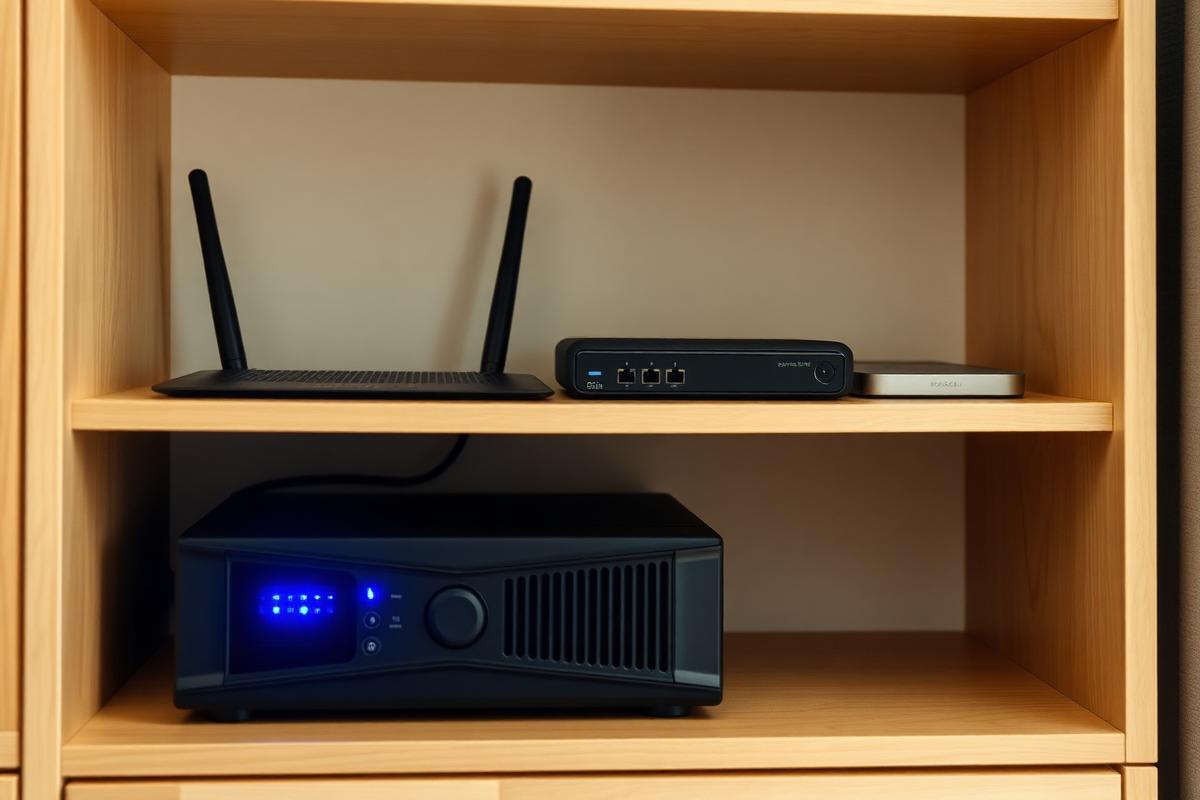
Household networking hardware — router, small switch, external drive, UPS backup — on a tidy shelf
Router, switch, storage, and backup power — the boring shelf that keeps the fun stuff online.
Local Availability

In-Home and Remote Support Across the Valley

Household IT rarely fits one device or one person. A single call can touch a parent's laptop, a kid's tablet, a shared printer, a smart TV, and the router that ties them together. We support the whole household — remote sessions for account and software questions, in-home visits when devices need to be looked at side by side.

Coverage runs across Las Vegas Valley homes, condos, and apartments. We confirm the mix of remote and in-home work up front so a visit is spent on what actually needs hands on the equipment.

Local Conditions Worth Knowing

  • Multi-user households benefit from documenting how accounts and devices are organized.
  • Kids' devices, streaming boxes, and game consoles often share the same Wi-Fi issues as the adults' laptops.
  • Some tasks (school-issued devices, work laptops) may be limited by employer or district policies.
Options

Service Tiers & Options

1

General in-home visit

A scheduled visit to work through a mixed list of small household technology issues in one appointment, with a short written summary at the end.

Includes consultation & support
Most Popular
2

Family member coaching visit

A focused visit centered on one household member — often a parent or grandparent — who wants patient help with the specific tasks they actually do on their devices.

Includes consultation & support
3

Post-move or return-to-town session

A visit built around reconnecting a household after a move or an extended absence: internet, main computers, printers, streaming, and smart-home devices brought back online in a sensible order.

Includes consultation & support
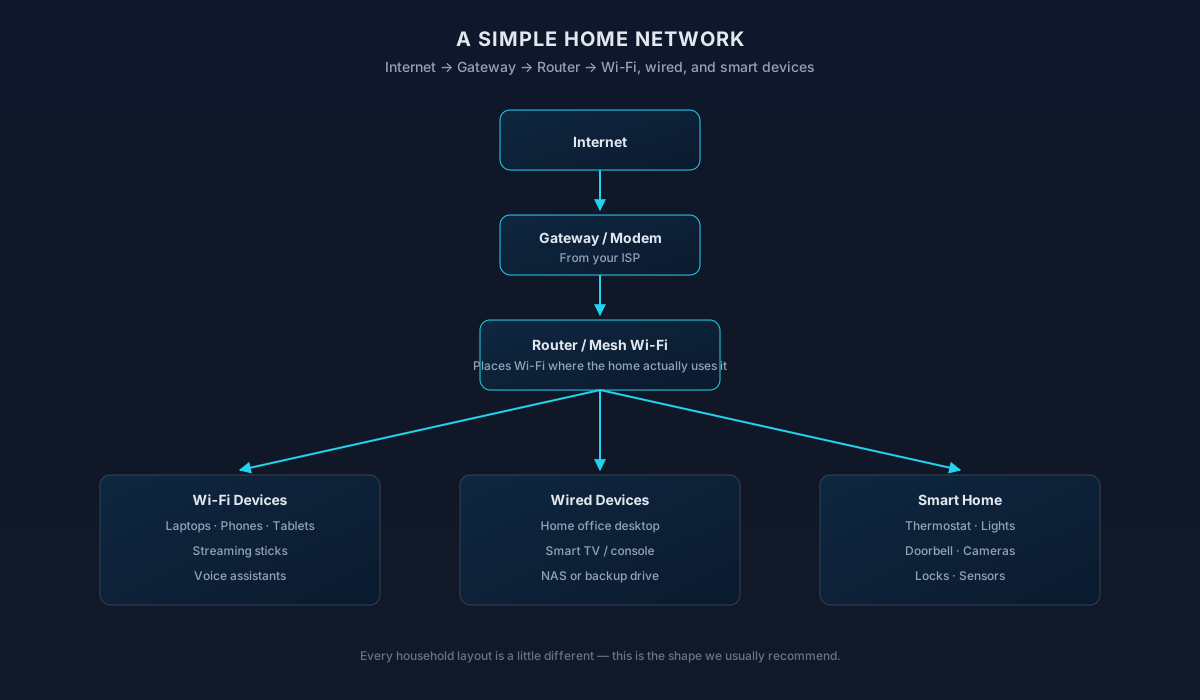
Simple home network diagram: internet, gateway, router or mesh Wi-Fi, and the Wi-Fi, wired, and smart home devices it serves
How a typical home network is put together — a shared reference we use during every setup.

Frequently Asked Questions

Straight answers to what homeowners ask most. Not seeing yours? Contact us and we'll walk you through it.

How the service is scoped

Household situations & follow-up

Home Technology Help

Need help with Home IT Support?

Get in touch and we'll help you sort out the technology at home — from a single frustrating device to your whole network. Talk with a real home technology specialist and get straightforward answers.

Friendly, patient help — no jargon.

Before you reach out

Useful context to share

A short summary helps us tailor ongoing support to your household.

  • How many devices are in regular use (roughly)
  • Which platforms you rely on (Windows, Mac, iOS, Android)
  • Recurring pain points (printer, Wi-Fi, updates, backups)
  • Whether anyone in the home works or studies remotely

What to expect

How we work in your home

Prioritizing multiple household issues

When several devices are misbehaving, we start with the one blocking daily life — work laptop, home Wi-Fi, the printer everyone shares — and get that stable before moving on. You always see the running list and can reorder it.

Account ownership verification

For account resets and email recovery, we work with the person who actually owns the account and can prove control (via SMS, recovery email, or ID). This protects everyone in the household from accidental lockouts.

Deciding between remote and in-home

If it's software, sign-ins, or a single online device, we usually start remote. If it's hardware, cabling, network coverage, or several devices at once, in-home is the right call and we'll say so.

Devices we may not be able to help with

Very old operating systems, discontinued smart-home hubs, and devices the manufacturer has stopped supporting sometimes can't be secured or repaired. When that's the case, we explain the risk and what a modern replacement path looks like.

Privacy and data handling

Your accounts, files, and photos stay yours. We only sign in where you explicitly ask, we don't copy personal data off your devices, and any temporary credentials created during service are handed back to you at the end.

  • Password prompts stay on your screen whenever possible
  • We recommend enabling two-factor after major cleanups
  • You get a written summary of what changed

Not sure which one you need?

Compare related residential services

Device Setup vs Home IT Support

One onboards a specific new device end-to-end; the other triages mixed household tech issues.

This page

Home IT Support

Choose this when several unrelated things aren't working across the household.

Covers

  • Multiple devices, multiple users, mixed issues
  • Sorting what's a network, device, or account problem
  • Coordinating with the right specialist service
  • General in-home help without a fixed project scope

Not this page

  • A single defined issue on one device
  • Full workspace planning and buildout
Related page

Device Setup

Choose this when a new or replacement device needs to be set up and moved into daily use.

Covers

  • New laptop, phone, tablet, or desktop onboarding
  • Account, mail, and photo/file migration
  • App reinstall and peripheral pairing
  • Safe handoff or reset of the old device

Not this page

  • Broad household triage across multiple devices
  • Printer-specific driver and queue issues
Visit Device Setup

Choose this page if: You're not sure what's wrong — several things need looking at.

Choose the other page if: You have one specific device to get up and running the right way.

Remote Tech Support vs Home IT Support

Remote support is fast help for a defined issue on one device. Home IT support is broader in-home triage.

This page

Home IT Support

Choose this when the problem spans devices, users, or physical hardware.

Covers

  • In-home visit for mixed household issues
  • Multiple devices and multiple users at once
  • Hardware, cabling, and physical setup
  • Deciding what to fix, replace, or route to a specialist

Not this page

  • A single defined issue on one connected device
  • Situations where remote screen share is enough
Related page

Remote Tech Support

Choose this when one device has one clear issue and can get online for a screen share.

Covers

  • Quick help on a single laptop, desktop, or tablet
  • Software errors, sign-in issues, small how-to questions
  • Guided fixes over a secure screen share
  • When you don't need someone in your home

Not this page

  • Hardware that won't power on or connect
  • Whole-home Wi-Fi or multi-device problems
Visit Remote Tech Support

Choose this page if: Multiple things at home need looking at — or hardware is involved.

Choose the other page if: One device, one issue, and it can get online.

What to try next

Recommended next services

If this isn't quite the right service — or you're wondering what usually comes next — these are the services homeowners most often need alongside or after this one.

Related Service

Computer Repair

When a specific computer needs hands-on repair rather than ongoing help, our repair service handles diagnostics and fixes.

Explore Computer Repair
Often Together

Device Setup & Migration

New devices — phones, tablets, laptops, printers — we set them up and connect them to your existing home tech.

Explore Device Setup & Migration
Related Service

Home Printer Setup

Printers are the single most common household tech headache; we get scanning, Wi-Fi printing, and mobile printing working.

Explore Home Printer Setup

Related residential services homeowners often pair with this one.

More in Home Office & Remote Work