
This page fits if you're seeing:
Moving into a new home and setting up from scratch
Replacing an aging router or ISP-supplied gateway
Adding mesh or extenders for better coverage
Setting up a network for a home office or studio
Design and install a home network built for the way your household actually uses the internet.
Whether you're moving into a new build in Summerlin, replacing an aging ISP router, or wiring up a two-story home in Henderson for streaming, gaming, and hybrid work, Inoconn plans and installs residential networks room by room — not out of a one-size box.
A home network is more than the black box the ISP dropped off. It's the router, the mesh nodes or access points, any Ethernet runs already in the walls, the ISP gateway or fiber ONT it all connects to, and the way those pieces are placed and configured. When any of that is missing or mismatched, the whole house feels the effect — even with a fast internet plan.
Inoconn's Home Network Setup service is focused on installation and design: standing up a new network, replacing a router or mesh that's aged out, or expanding coverage into rooms and outdoor areas that were never in the original plan. We start with your floor plan and the equipment you already own, then recommend a layout that fits how your family actually lives — not a checklist copied from another home.
For newer Las Vegas builds we often work around a media panel where the ISP handoff, patch panel, and any existing Ethernet drops terminate. For older homes and rentals we plan around what's realistic without construction: better router placement, wireless backhaul, powerline where appropriate, and honest conversations about where a licensed cabling installer would need to get involved for anything behind the drywall.
The goal isn't the fanciest gear on the shelf. It's a network you understand, that behaves the same way tomorrow as it does today, and that leaves room to add a smart lock, a doorbell camera, or a home-office desk without rebuilding from scratch.
Inoconn Commitment
Every service we deliver is backed by our satisfaction guarantee and decades of combined IT expertise.
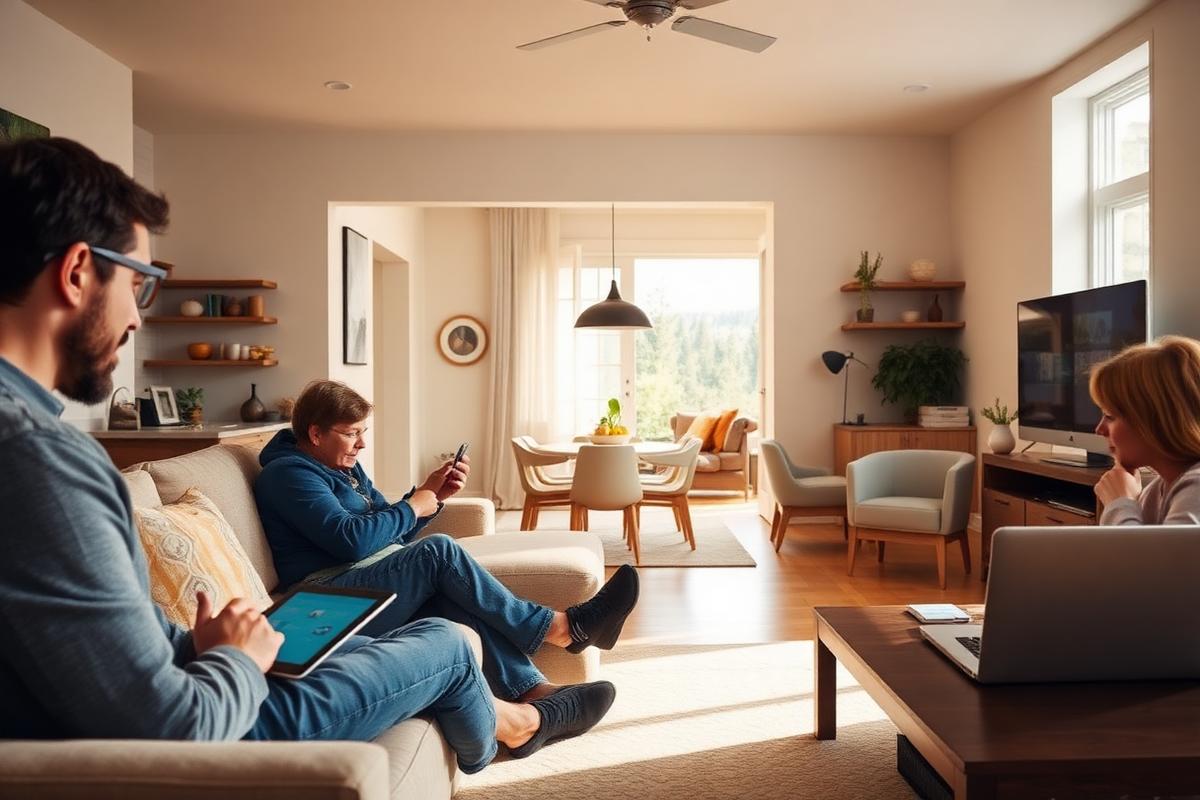
The setting
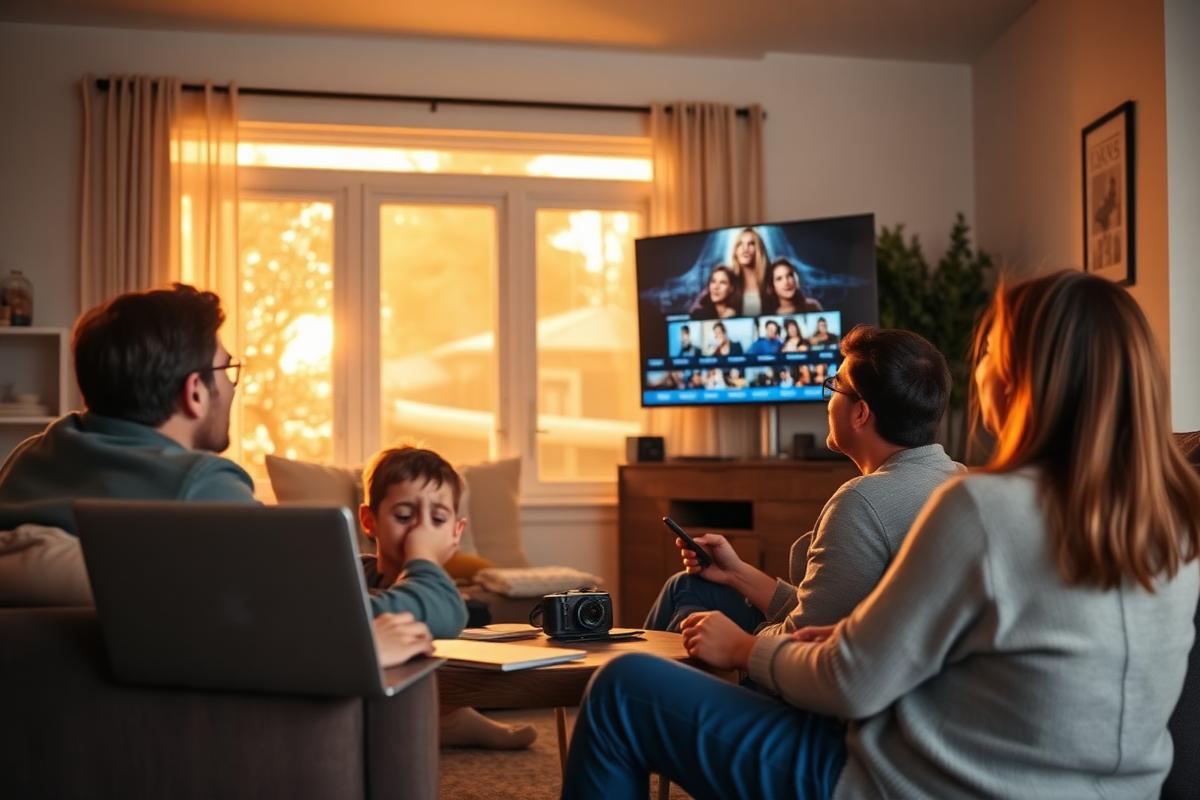
Family rooms, home offices, kids' bedrooms, streaming corners — the goal is a network that works in the rooms you actually spend time in.
Critical Insight
Most home network complaints trace back to decisions made on day one: the router sits inside a cabinet next to the TV, the single mesh node was placed in the same room as the router, or every device — the thermostat, the cameras, the work laptop, the game console — is fighting for airtime on one radio. Better hardware alone rarely fixes any of that.
A thoughtful install considers where the ISP line actually enters the home, what building materials sit between the router and the far bedroom, and how many devices are realistically going to be online at once. Those choices are much easier to make before equipment is mounted and passwords are handed out to a dozen smart devices.
Getting the foundation right also makes future changes cheap. Adding a new camera, a home-office setup, or a smart-home hub becomes a small task instead of a rebuild — because the network was designed to grow.
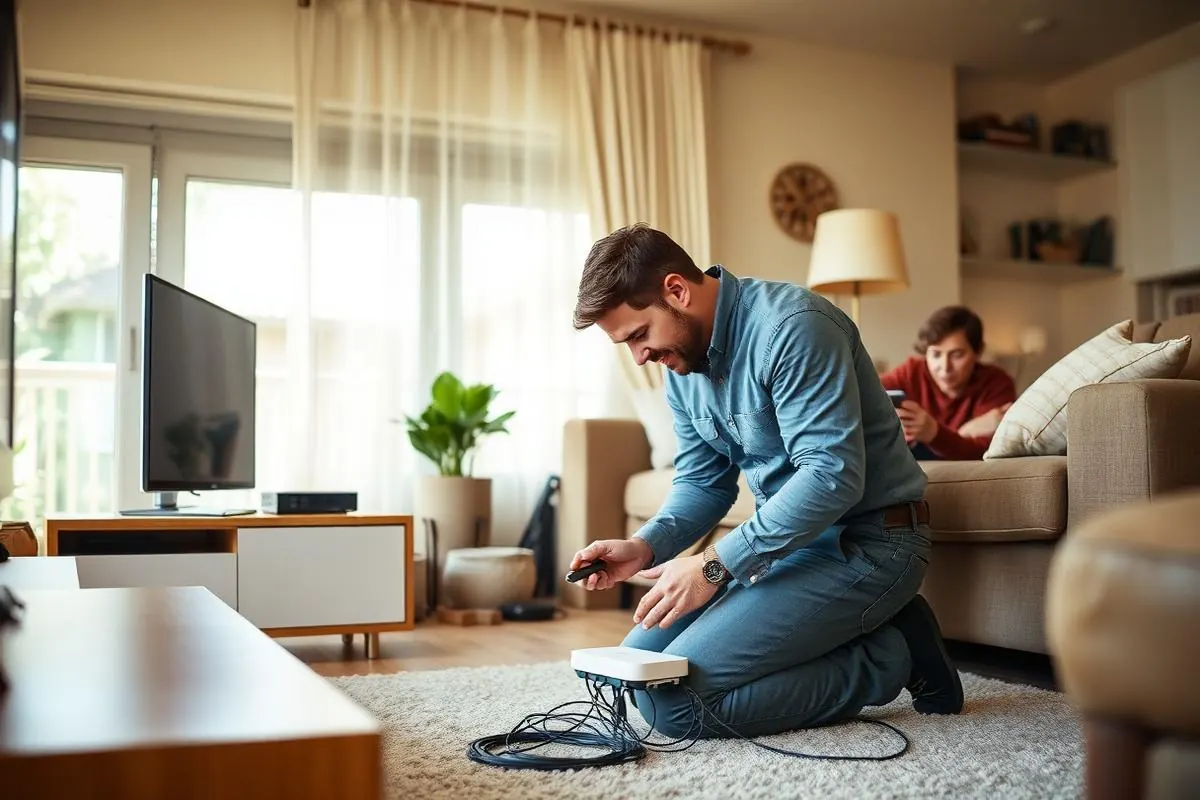
How it looks
Router and mesh placement is chosen for the rooms you actually use — not just the closet the modem happens to sit in — and tested where you'll notice it.
Problems → Solutions
Move-in day arrives and the router is a courtesy box in the laundry room. Bedrooms upstairs get weak signal, and there's no plan for cameras, doorbell, or a home office.
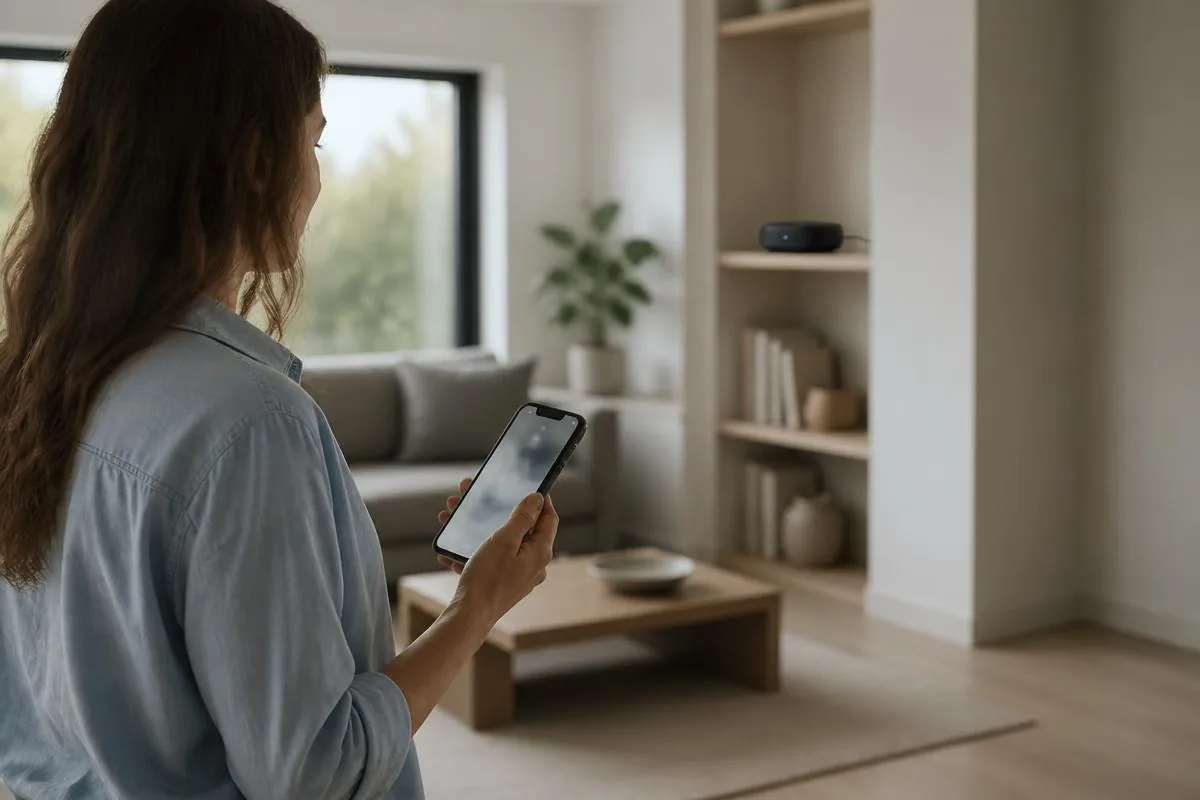
We walk the home, note construction and floor count, and map where signal actually needs to be strong — the home office, the primary bedroom, the patio, the garage — instead of assuming the router's current spot is fine.
The router, Wi-Fi, and switch are all the same underpowered unit handed over by the internet provider — fine for one laptop, quickly overwhelmed by a family of devices.
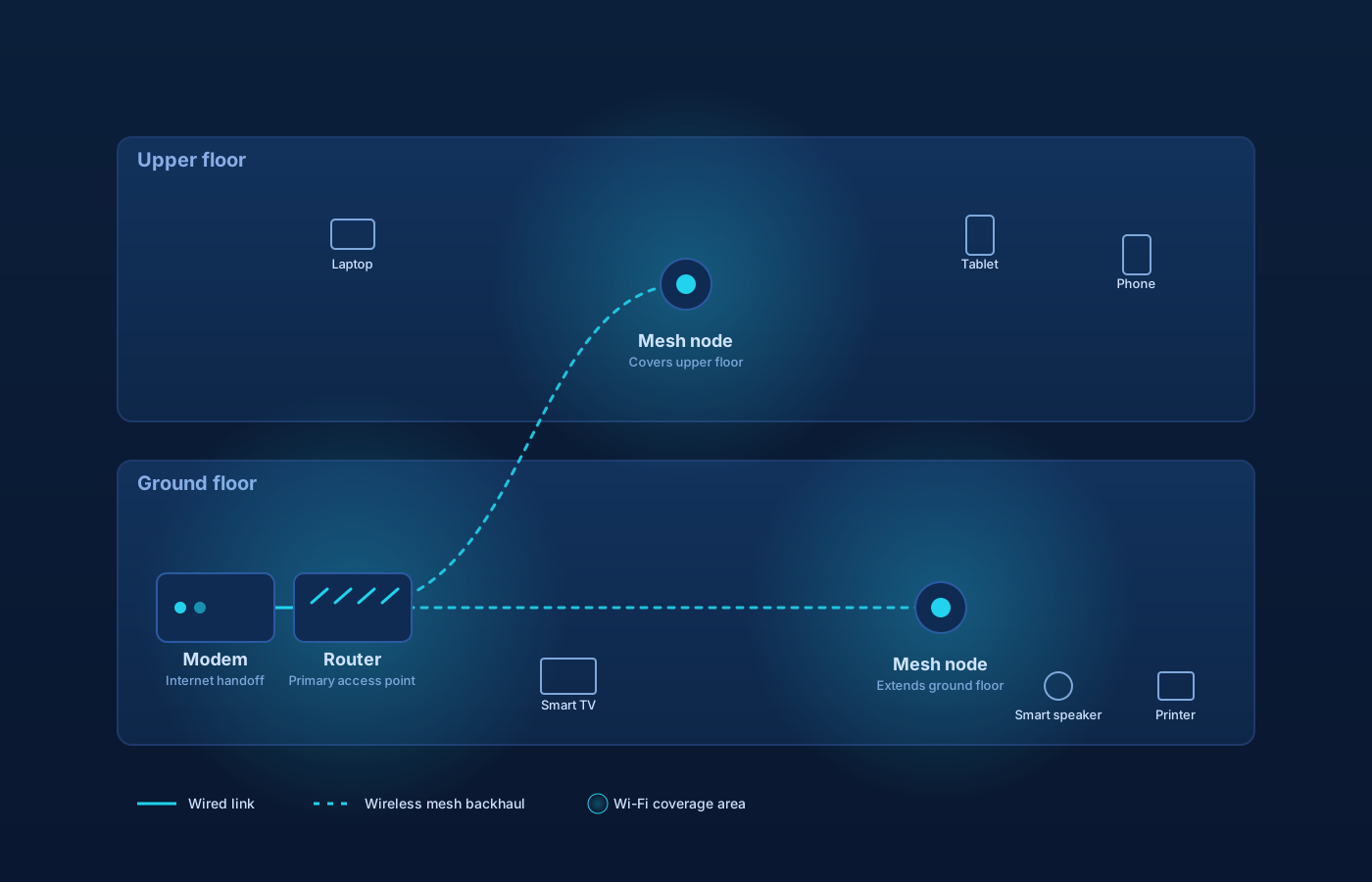
A single well-placed router, a two- or three-node mesh, or a small set of access points backed by a switch — matched to the home, the internet plan, and how much the household actually wants to manage.
Nodes placed by guesswork, often too close together or in dead outlets, leaving the same rooms uncovered as before.
If existing Ethernet drops or a media panel are in place, we use them for backhaul between the router and remote access points, which is almost always more stable than pure wireless mesh.
Newer homes often have wall ports that were installed and forgotten. Nothing is patched into them, so the network stays entirely wireless when it doesn't have to.
We integrate cleanly with cable modems, fiber ONTs, and ISP gateways, using bridge or passthrough modes where supported so your own router runs the network without double NAT.
Cameras, smart plugs, TVs, and laptops all share one flat network with the same password — hard to manage, hard to secure, and hard to troubleshoot when something misbehaves.
Modern WPA, a household network, a guest network for visitors, and a separate SSID for smart-home devices where it makes sense — set up once, documented, and handed over.
Step by Step
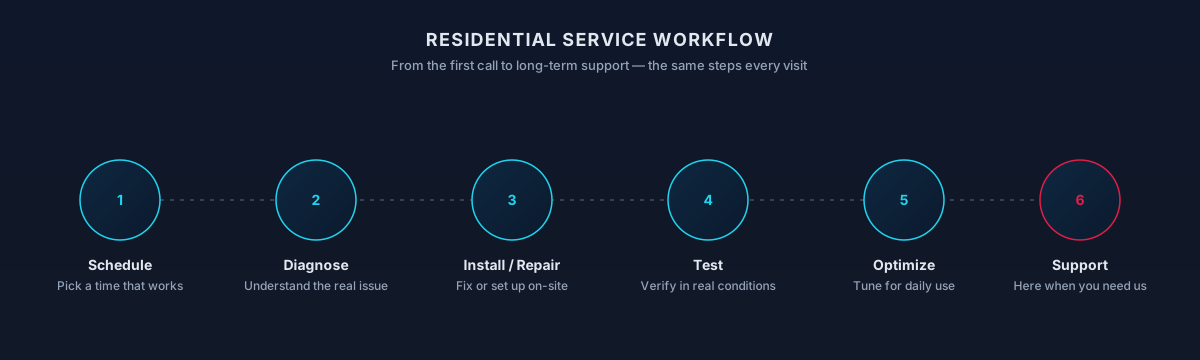
A short call to understand the home, the internet plan, and what's actually not working — or what you want the new setup to make possible.
We look at where the ISP line enters, where a router or panel lives today, which rooms need coverage, and what Ethernet or conduit already exists behind the walls.
A written recommendation covering router or mesh model, node or access-point locations, any switches needed, and what will be reused versus replaced — with the reasoning behind each choice.
Equipment is mounted or placed, patched into any existing Ethernet, and configured: SSIDs, passwords, guest network, firmware updates, and basic firewall defaults.
Family devices, printers, TVs, and smart-home hubs are moved onto the new network. You get written documentation of the layout, device names, and how to log in later.
Bringing a brand-new build online — ISP hand-off, main router, mesh or AP placement, and initial device onboarding — so the home is usable from move-in day.
Retiring an aging ISP box or first-generation mesh and replacing it with equipment that matches the home's size and the current internet plan.
Adding a node or access point to reach a converted garage, a casita, a second story, or a shaded patio that the original setup never accounted for.
Patching and terminating existing wall ports, adding a small switch behind the panel, and using those runs for wired backhaul or wired devices.
A separate guest SSID for visitors, and where appropriate a dedicated SSID for smart-home gear, so a compromised gadget can't wander onto the family network.
Working with common Las Vegas ISP equipment — cable modems, fiber ONTs, and provided gateways — so your router runs the network cleanly, without conflicting DHCP or double NAT.
Modern WPA settings, changed admin credentials, current firmware, and a documented recovery path if the router ever needs to be reset.
A short written summary of what's installed, where it lives, and how to reach it — useful the next time something needs to change.
Process
Map coverage needs room-by-room and by how each space is used.
Decide on router placement, mesh vs. single, wired backhaul where it helps.
Mount, cable, and configure the equipment cleanly.
Channels, bands, and device steering tuned to your home.
Onboard the household devices you actually use.
Leave you with the SSIDs, admin credentials, and a simple map.
Timing varies by household — this is a typical shape, not a promise.
Scope
Included
Outcomes That Matter
Strong signal in the rooms that matter — the home office, the primary bedroom, the patio — rather than a single strong spot next to the router.
Key Advantage
Adding a camera, a home-office desk, or a smart lock later becomes a small task instead of a redesign.
Right-sized equipment and modern firmware behave more predictably than a stack of consumer boxes and extenders.
Visitors, work devices, and IoT gear each land where they belong, without needing three different apps to manage.
Instead of forum threads and support chats, there's a documented layout and a local point of contact when anything changes.
The result
Streaming, video calls, and everyday browsing keep working — in every room the household actually uses.
Whether you're a homeowner, small business, or enterprise — we tailor our approach to your specific needs.
New construction in Summerlin, Southern Highlands, or a Henderson subdivision, where the ISP is being connected for the first time and the network needs to be stood up from scratch.
The current setup is three or four years old, the household has grown, and the same rooms keep giving trouble no matter how many times it's rebooted.
Two-story floor plans, homes with detached casitas, and larger lots where a single router simply cannot reach everywhere it needs to.
A spare bedroom is becoming a workspace and the video calls have to be reliable, not hopeful.
Cameras, thermostats, smart plugs, and voice assistants are being added faster than the network was ever designed to handle.
We leverage industry-leading platforms and enterprise-grade equipment to deliver reliable, future-proof solutions.
Consumer mesh platforms selected to match household size, device count, and how much day-to-day management you want to keep in an app.
For households that want longer-lived hardware and a controller they or Inoconn can log into, UniFi access points and gateways are configured with residential-friendly defaults.
Current wireless standards used where the client devices actually benefit — not upgraded for its own sake.
Standards used when existing structured cabling is present; where new runs are needed behind walls, we plan and coordinate rather than performing construction work.
Small managed or unmanaged switches used to feed access points and wired devices from a media panel or router location.
Common Las Vegas cable and fiber equipment integrated cleanly with your own router, using bridge or passthrough mode where the ISP supports it.
Compatibility
Standards
Topology
Segmentation
Security
Compatibility
Working knowledge, not partnership or certification.
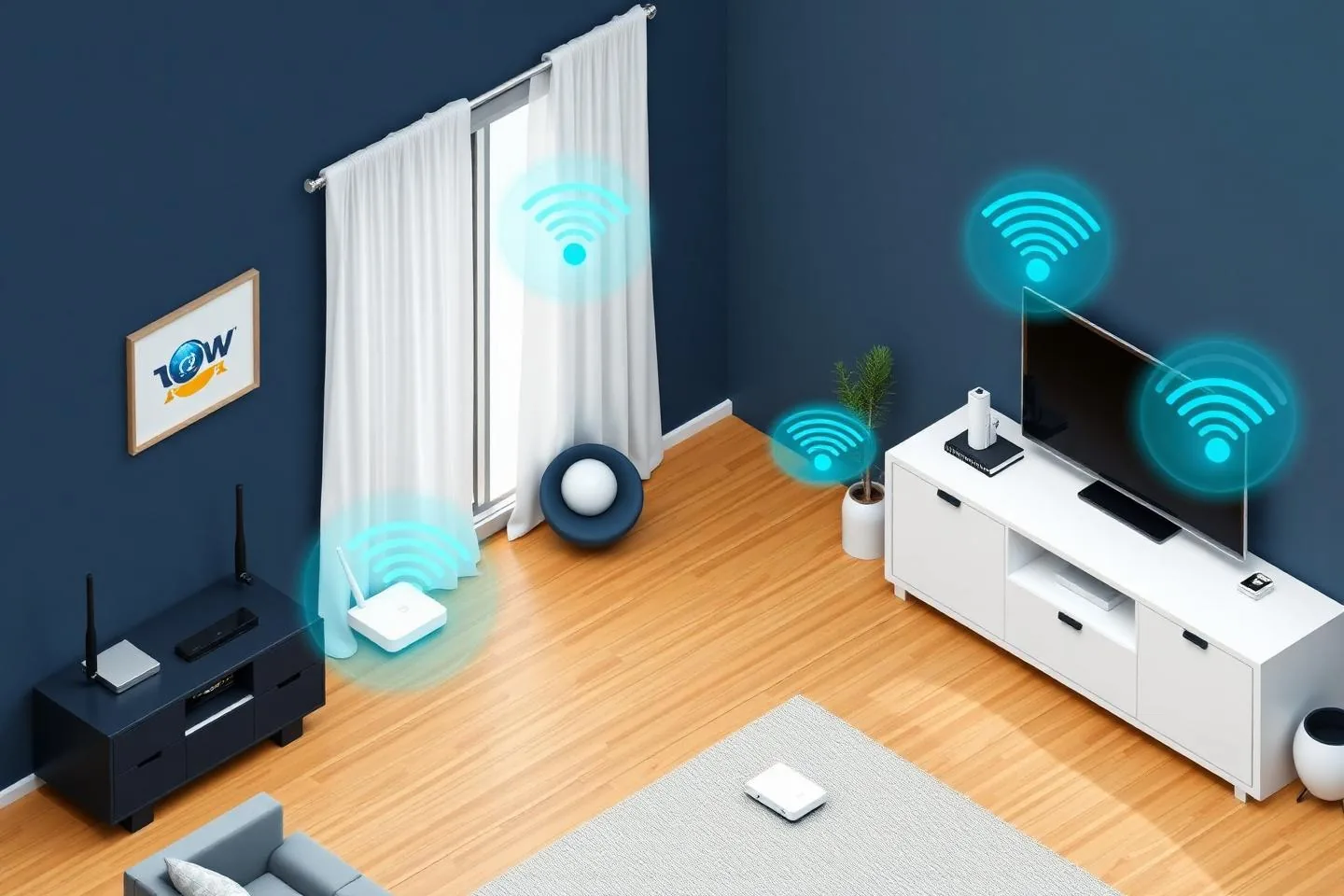
A home network is shaped by the building it lives in. Two-story homes in Summerlin behave differently than single-story homes in Henderson, and a condo in Enterprise has different Wi-Fi neighbors than a home on a quiet Boulder City street. We design coverage and equipment placement around your actual floor plan, ISP handoff, and where devices need to work.
Setup is almost always on-site because router placement, cable runs, and access-point positioning matter. We confirm the visit ahead of time and prepare remotely where possible so time in the home is spent on the parts that need it.
Not sure if your address is covered? Check the full service areas map or contact us to confirm.
Fresh setup from the ISP handoff outward: router, mesh or access points, guest and smart-home separation, and device onboarding for the whole family.
Swapping out an ISP router or aging mesh for a right-sized system, migrating SSIDs so most devices reconnect without being touched.
Extending an existing network to reach a converted garage, casita, second story, patio, or backyard, using wired backhaul when it's available.
Straight answers to what homeowners ask most. Not seeing yours? Contact us and we'll walk you through it.
Get in touch and we'll help you sort out the technology at home — from a single frustrating device to your whole network. Talk with a real home technology specialist and get straightforward answers.
Friendly, patient help — no jargon.
Not sure yet?
Home network projects come in a few common shapes. Pick the closest.
Moving into a new home and setting up from scratch
Replacing an aging router or ISP-supplied gateway
Adding mesh or extenders for better coverage
Setting up a network for a home office or studio
Network is set up but Wi-Fi keeps dropping or is slow
See Wi-Fi OptimizationYou mainly need help with smart-home devices
See Smart Home SetupThe next steps
A clear, low-pressure path from the first message to the work getting done.
Share a short description of the issue or project. Screenshots and device details help, but aren't required.
A technician looks at what you've described and asks any clarifying questions before recommending an approach.
You'll get a plain-language plan covering what we'd do, whether it's remote or in-home, and what's involved.
Once you're comfortable, we schedule the session. You stay informed at each step and can stop or adjust anytime.
What to expect
Setup goes faster when the pieces are in one place: your ISP account login, the router or gateway you have (or want), and a rough idea of which rooms and devices matter most.
Modem activation, static IPs, and some Wi-Fi settings can only be changed from your ISP account. We'll guide you through signing in on your device — we don't need long-term access to your carrier account.
We can run visible surface cabling, patch existing wall drops, and place equipment cleanly. Cutting into walls, running new electrical outlets, or bonded low-voltage work in occupied commercial space belongs with a licensed electrician or low-voltage contractor, and we'll say so up front.
The right hardware, placement, and channels solve most household Wi-Fi complaints. What they can't fix is a slow ISP plan, an aging modem the carrier owns, or dead spots caused by dense building materials without adding hardware.
Not sure which one you need?
One designs and installs the network; the other diagnoses and improves the wireless you already have.
Choose this when you're installing, replacing, or redesigning the home network.
Covers
Not this page
Choose this when Wi-Fi already exists but is slow, dropping, or uneven.
Covers
Not this page
Choose this page if: You're building the network from scratch or starting over.
Choose the other page if: The network exists — you just want it to actually work well.
Smart devices need a healthy network underneath. These pages own different halves of that stack.
Choose this when the underlying network needs to be built or rebuilt to support smart devices.
Covers
Not this page
Choose this when you're adding, integrating, or troubleshooting connected-home devices.
Covers
Not this page
Choose this page if: The network needs to be right before more devices go on it.
Choose the other page if: The devices are the project.
What to try next
If this isn't quite the right service — or you're wondering what usually comes next — these are the services homeowners most often need alongside or after this one.
Once the network is in place, Wi-Fi optimization tunes coverage, channels, and device placement so every room actually performs.
Explore Wi-Fi OptimizationA solid home network is the foundation smart cameras, thermostats, doorbells, and speakers depend on to stay reliable.
Explore Smart Home SetupIf someone in the household works from home, we can extend the network into a dedicated, video-call-ready workspace.
Explore Home Office SetupRelated residential services homeowners often pair with this one.
More in Home Networking
You might also need